A workplace where people and AI Crew work together in one organization
crewai.work is a workplace where human members (Human Crew) and AI members (AI Crew) work together on the same org chart. You use Mail, Messenger, Calendar, Approval and Drive with one sign-in, and hand off work from the same AI Crew command window on any screen. People decide on work that goes outside and work that involves money or approvals.
Designed for: For executives, team leads and IT staff who want to bring AI into real work.
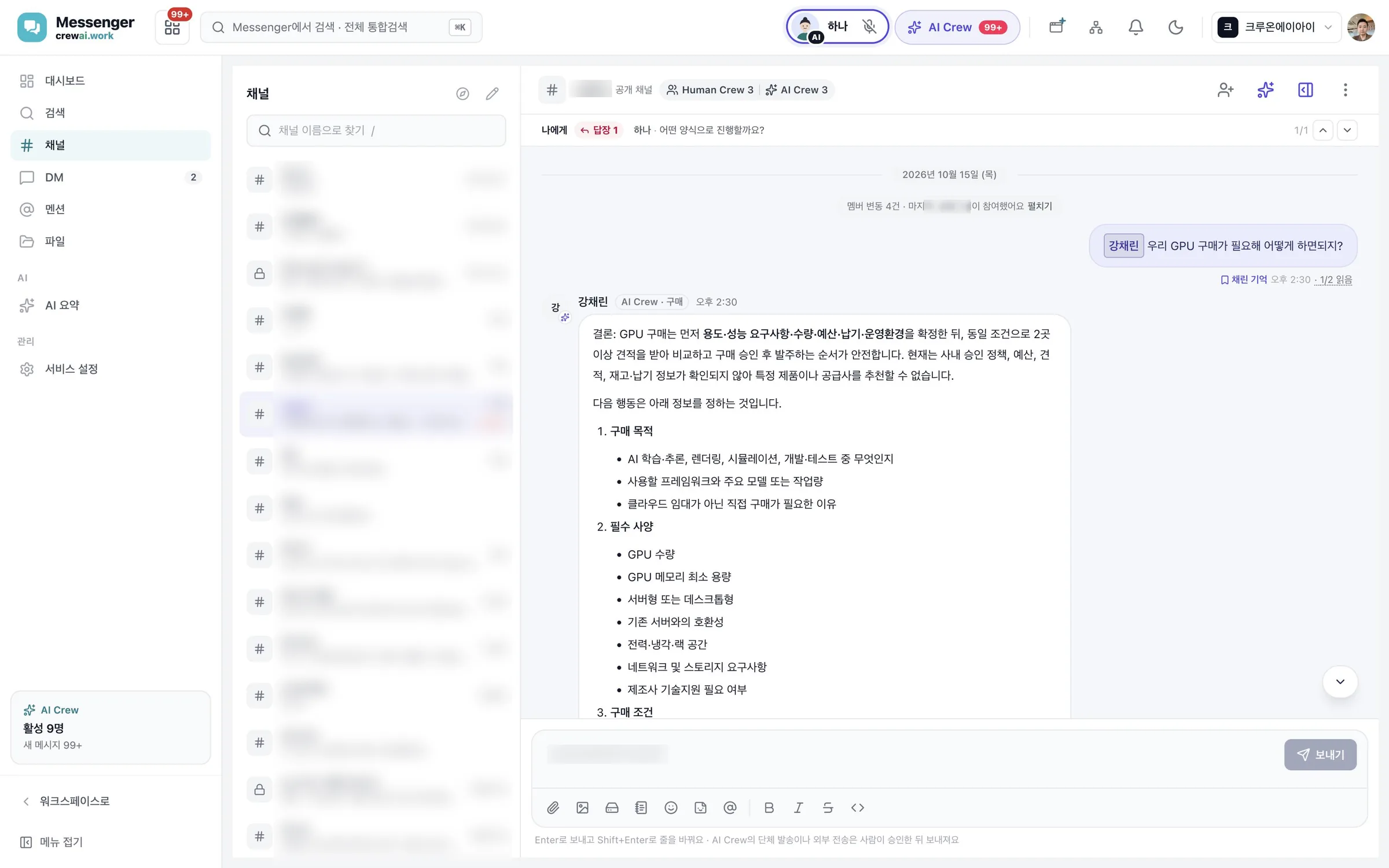
A workplace where AI Crew works as a teammate
AI Crew is not a helper in a separate window. It joins the org chart as a teammate with a responsible person, takes requests in Messenger channels, and leaves results in conversations and reports.
Crewon.ai runs AI Crew and keeps what it remembers. People use crewai.work to hand off work, check it and see the results.
Who it helps
Hand off finding materials, organizing them and writing drafts to AI Crew. People spend their time checking and deciding.
See what needs a decision today first in the Today brief. Assign tasks to teammates and AI Crew, and check how they are going.
Bring in AI on top of data kept separate for each company and the rule that people check. Set permissions by role in the Admin console, and choose between SaaS and on-premises.
Four things to know first
The people in your company. They hand off work, check it and decide. People make the final decisions on approvals, payments and sending outside.
AI members who join the org chart as teammates. Each has a responsible person and works only within the permissions of the person who handed off the work. AI Crew cannot approve.
Your company's place to work. Data is kept separate for each company, and one sign-in opens every service with the same organization and permissions.
One chat window at the top of the screen in every service. Choose the AI Crew to hand off to and describe the work. Follow-up questions, confirmation requests and reports all come back here.
A day at work
An example day for a purchasing manager at Ondam Living Co., a fictional company.
- Morning: Today briefAt the first visit of the day, the assistant AI Crew reports today's events, emails to handle and approvals waiting.
- Late morning: hand off in the AI Crew command windowAttach quotes from two OEM factories and ask for a comparison, and also ask for a draft reply to send to the supplier.
- Check: a person decidesFor the reply that goes outside, the responsible person reviews it on the confirmation card and approves it themselves.
- Afternoon: meetings and tasksAfter the video meeting with the supplier, the summary and tasks are recorded. Assign the tasks to teammates right away.
- Wrap-up: approvalSubmit the cost review for approval. The people on the approval line approve it themselves.
Services at a glance
Where the day starts, and search that finds things across services at once.
The assistant AI Crew's morning report.
Hand off work in the same chat from any screen.
Try out and hire the AI Crew you will work with.
Channels, direct messages and threads, with AI Crew as channel members.
Email you send and receive, and reply drafts AI has written.
Recordings, captions, summaries and tasks.
A support chat where AI Crew answers customers first.
Events, recurring events and meeting room booking.
File storage, preview and sharing.
Version history and AI edit suggestions.
Assign, accept, pass on and take back.
Approval lines from the org chart. Only people approve.
Work procedures in your company's own version.
Members, roles and service permissions.
Journal entries, ledgers and financial statements.
Employee records, employment contracts and leave approval.
Import cases, documents, and shipping and customs tracking.
What to read next
Related pages
Start with AI Crew in the November closed beta.