People and AI Crew write in the same note, and people decide what to change
Notes keeps work documents organized with folders, tags and version history. An AI participant in the editor suggests edits, and a person decides whether to accept them. Type /회의 (Korean for "meeting") to bring in meeting records, and attach notes to the AI Crew command window to hand off work.
Designed for: Teams that write many documents several people refine together, such as plans, meeting minutes and product description copy
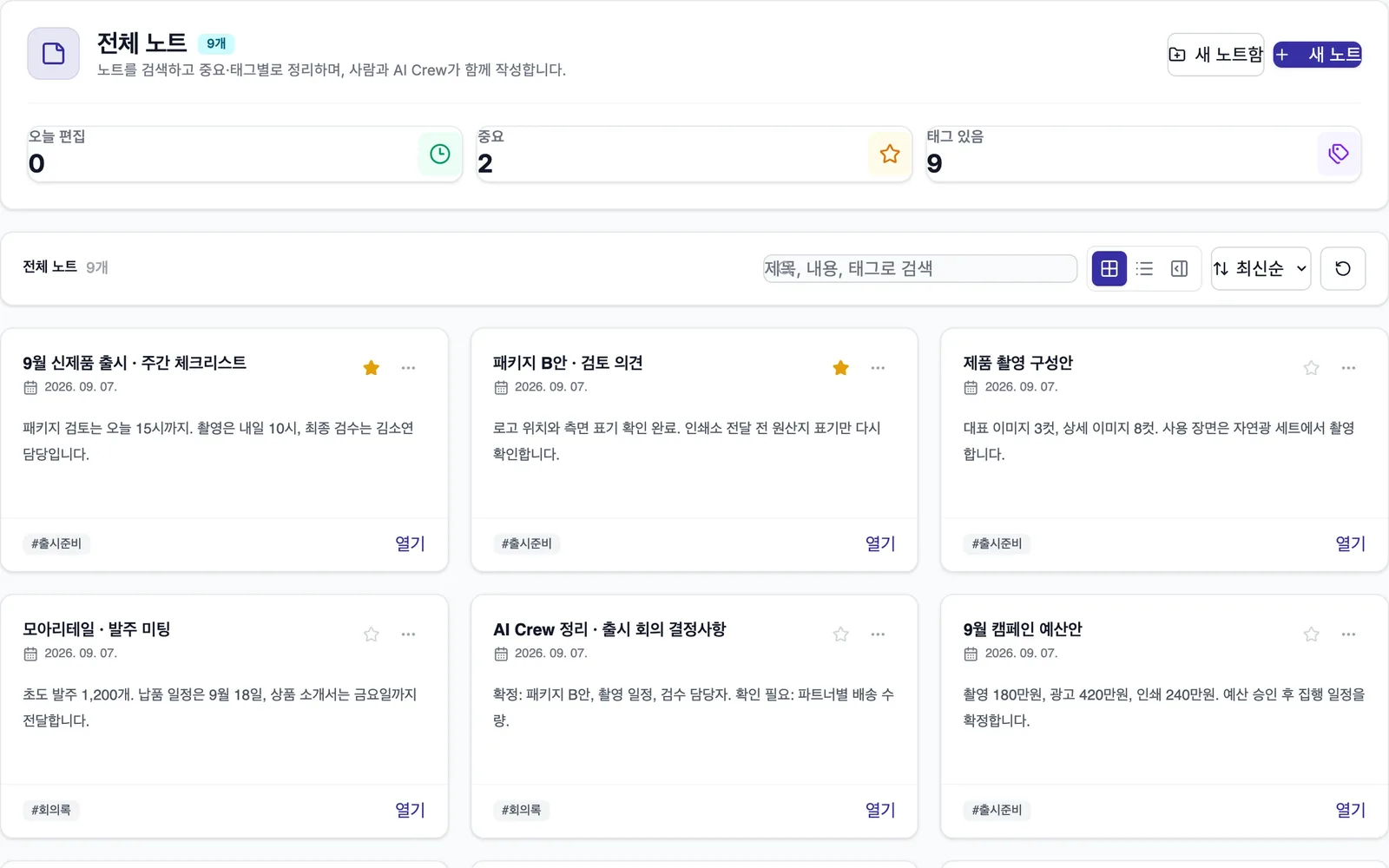
When you need it
Marketing, design and quality staff take turns editing the description copy for a new product. It gets hard to tell who changed which sentence, or how to go back to yesterday's version.
When you ask an AI to polish a document, it comes back rewritten from top to bottom. You have to compare it line by line to see what changed, and wording that does not fit is easy to miss.
To move what was decided in a meeting into a plan, you have to find the meeting minutes again and copy them. Documents and meeting records live apart.
How it differs from general work tools
The AI participant in the editor leaves edits as suggestions. A person decides whether to accept each one.
Type /회의 in a note and a meeting record card comes in. You do not copy what the meeting decided over by hand.
Attach a note to the AI Crew command window to hand off a review or cleanup. You do not download it and upload it again.
Key features
Write together, keep a history, and choose which AI suggestions to accept.
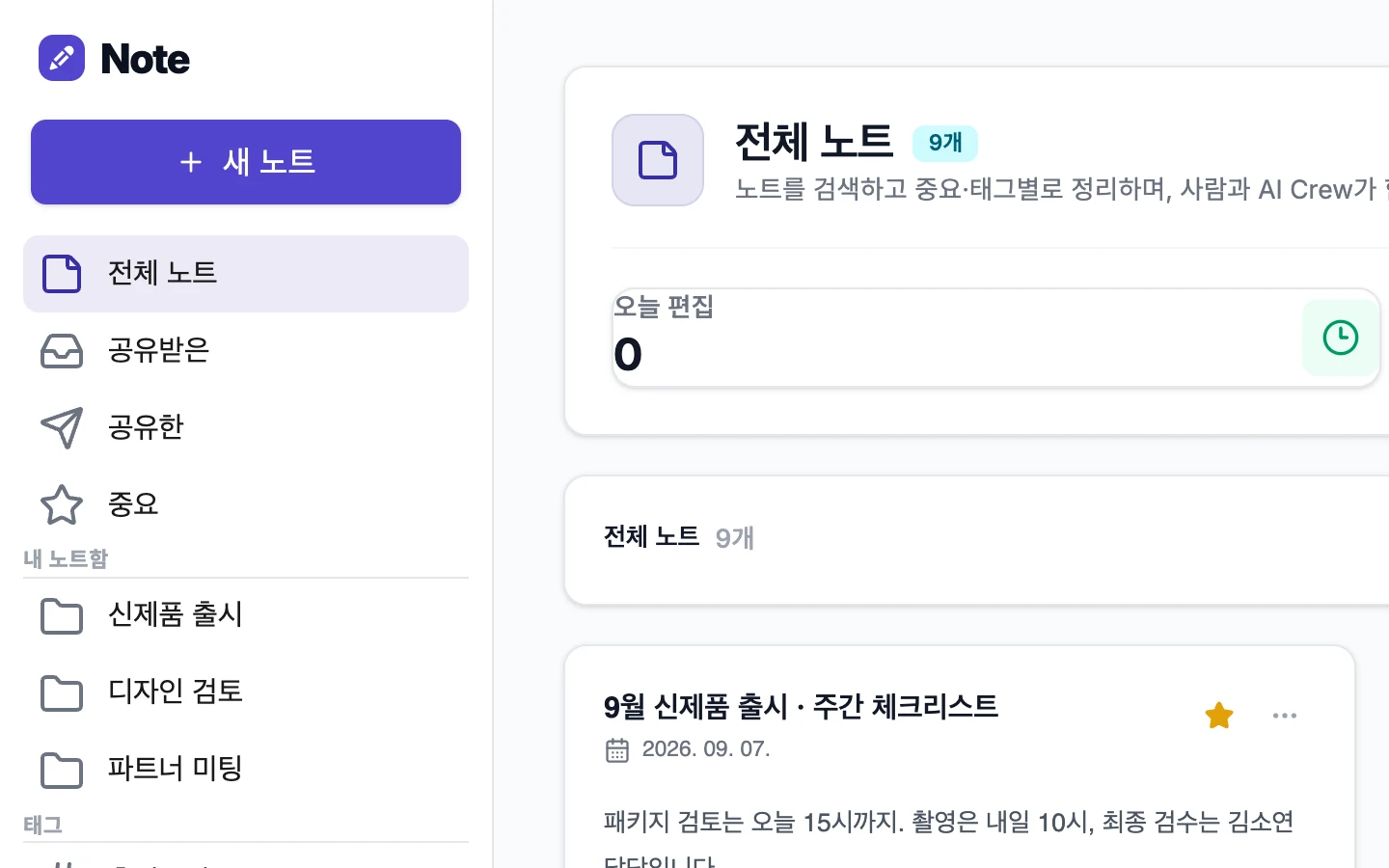
Organize by work with folders and tags
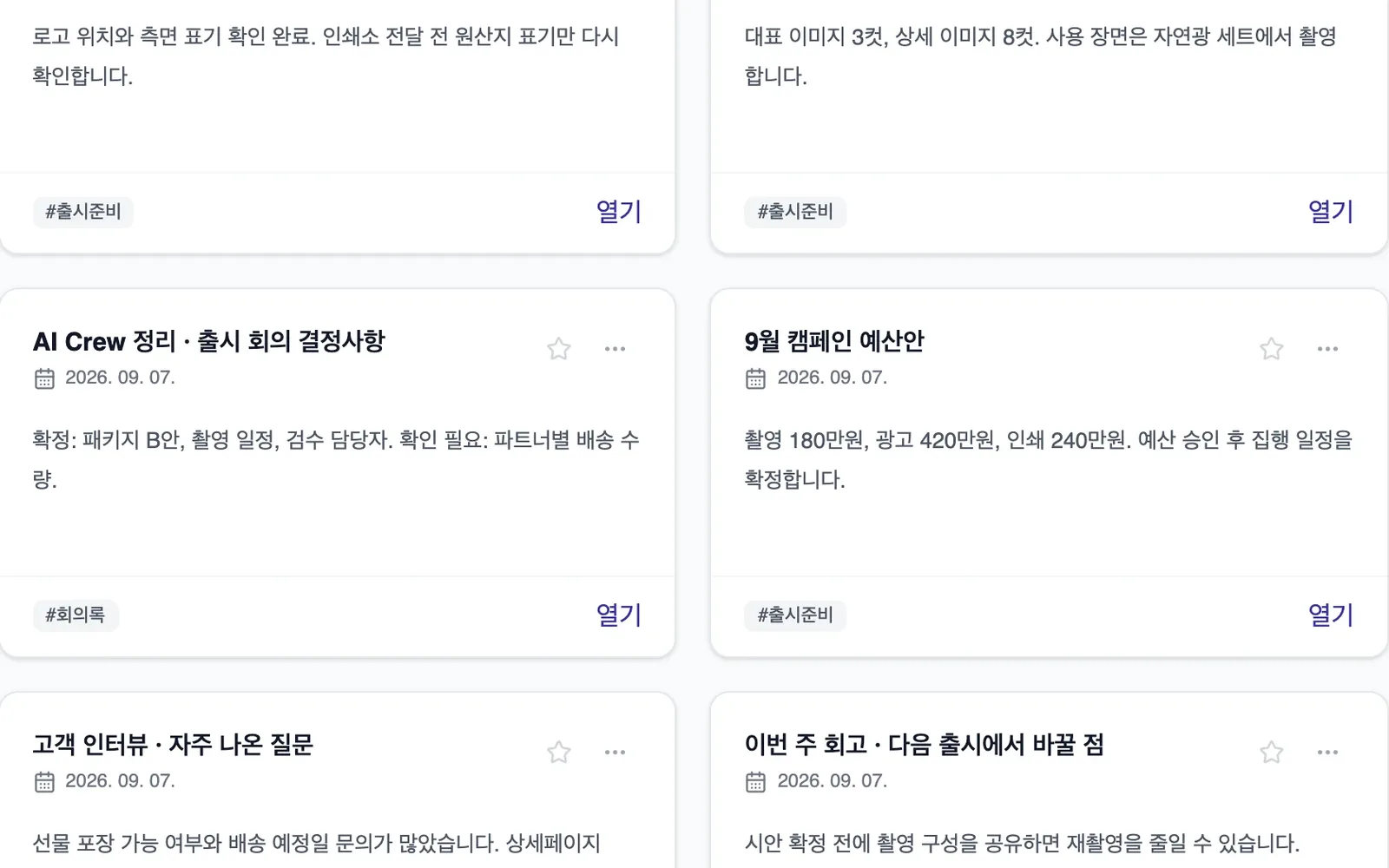
Sort notes into folders and tags to keep records by work, such as launch prep or meeting minutes. When the next job comes up, you pull out the note you need right away.
- Folders
- Tags
- Notes organized by work
Refine together
Use comments and mentions to ask coworkers to check and to trade feedback. Version history shows what changed and when, and you can restore an earlier version if needed.
- Comments and mentions
- Version history
- Restore an earlier version
Edit suggestions from the AI participant
The AI participant in the editor suggests sentences to fix. It leaves suggestions instead of changing the original right away, so you see what would change and accept or skip each one.
- Edit suggestions in the editor
- A person decides on each suggestion
- The original stays as is until approved
AI document drafts
Tell the AI the topic and purpose, and it creates a document draft. People start from a draft instead of a blank page, then fill in and refine the content.
- Create a document draft
- Keep writing from the draft
Add meeting records with /회의
Type /회의 in a note and a meeting record card from Video meeting comes in. You write with what the meeting decided, and its tasks, right next to your plan or report.
- Type /회의 for a meeting record card
- Link meeting decisions to the document
Sharing and AI Crew command window attachments
Share with people, by link or in Messenger from one window. Attach a note to the AI Crew command window to hand off a review, summary or cleanup.
- People, link and Messenger sharing in one window
- Attach notes to the AI Crew command window
What AI Crew does and what people decide
- Suggests edits in the editor
- Creates a document draft that fits the topic
- Reviews and organizes notes attached to the AI Crew command window
- Whether to accept the AI's edit suggestions
- The final content and wording of the document
- Who to share the note with, and how
- Whether to go back to an earlier version
Working with AI Crew: an example
Example: the fictional company Ondam Living Co. prepares to launch its new fall product, the "Ondam mug set".
A marketer creates a note called "Ondam mug set product description" and gets paragraphs on product features and care from an AI document draft.
The marketer uses /회의 to add the record card from the last quality check meeting, so the confirmed capacity and material details sit next to the document.
The AI participant in the editor suggests fixing a capacity figure that differs from the meeting record, and wording that could read as overstated.
The marketer accepts only two of the suggestions, mentions the quality lead to ask for a check, and then shares the note in the launch channel.
Connected work in other services
Reports collect in the notes tab during a meeting, and you add meeting record cards with /회의.
Attach a note to the AI Crew command window to hand off work.
Send a note to a channel or conversation from the share window.
Send a note as the body of an email.
Admin and security
- Edits from the AI participant stay as suggestions only, and a person decides whether to accept them.
- External sharing goes through a human check. Admins can make the check rules stricter, but they cannot loosen them.
- Sign in once and use every service with the same organization and permissions. Admins decide which services each role can use, and add exceptions only for the people who need them.
- AI Crew sees materials and works only within the permissions of the person who assigned the work.
- Version history records who changed what and when, and what AI Crew did is kept in activity records. Each company's data is kept separate on both the server and the database.
Frequently asked questions
Will the AI change my document on its own?
No. The AI participant in the editor only leaves edit suggestions. A person decides on each suggestion, one at a time.
Can I undo a bad edit?
Yes. In the version history, see who changed what and when, and restore the earlier version you want.
Can I bring meeting minutes into a note?
Type /회의 in a note to add a meeting record card from Video meeting. Creating meeting minutes from a voice recording is in preparation.
Can I send a note by email?
Putting a note into an email body is in preparation. For now, you can share with people, by link or in Messenger from one window.
Does AI Crew remember what is in my notes?
The feature that lets AI Crew remember note content is in preparation. For now, when you attach a note to the AI Crew command window, AI Crew uses the note to handle that request.
Related pages
Start with AI Crew in the November closed beta.